Playbook: last month's numbers changed after the books were closed
The situation
June's figures went to the bank. In August someone posts a stock adjustment dated June. The ledger now disagrees with the report, and nobody can say why.
Step 1 — Close and lock the period
Open Accounting → Settings → Periods.
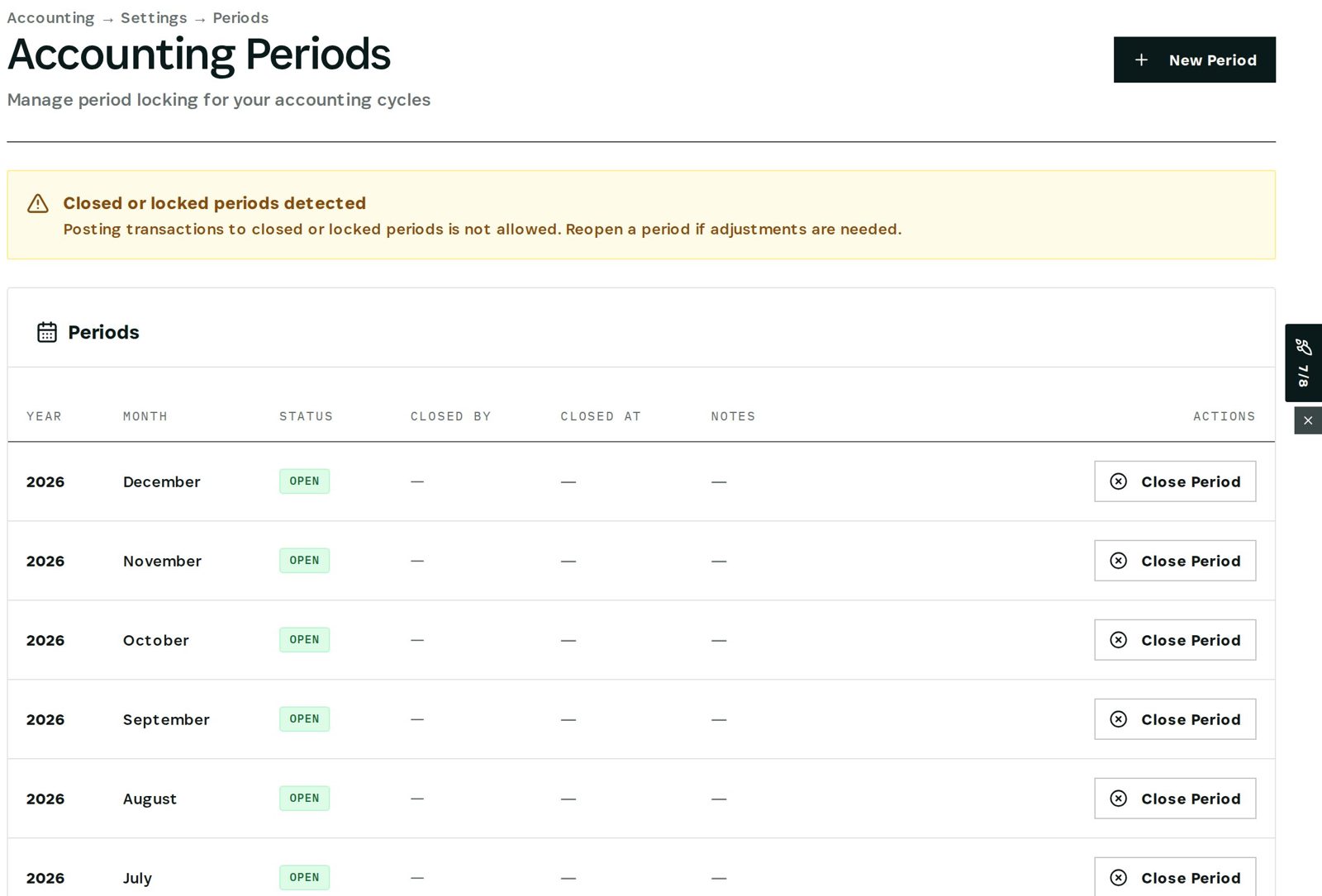
Each month shows its status — open, closed or locked — who closed it and when. Close Period stops postings into it; Lock Period marks it final after review. The banner states the rule plainly: posting to closed or locked periods is not allowed.
Step 2 — What happens to a late posting
A posting dated in a closed month is refused with a message naming the period. The correction goes into the open month instead.
Step 3 — Reopening is an authorised act
Only store owners and people with finance or bookkeeping authority can reopen a closed or locked period — everyone else is refused. Completed ledger entries are never edited: they are corrected by a reversal, so the original stays visible.
What you have at the end
- Closed months that stay closed.
- Reopening limited to finance authority, on record.
- A ledger corrected by reversal, never overwritten.
Screenshots come from the Otiox demo workspace. Choose Switch to demo in the sidebar to follow along; changes there never touch live data. Command reads your records and never changes them.